
Want to give your Dream League Soccer team the unmistakable look of Inter de Milan? This free DLS kit is a simple way to bring the club’s blue-and-black identity into your game. The kit is prepared in PNG format at 512×512 resolution, making it suitable for importing into Dream League Soccer through a kit URL.
Whether you are building a full squad around Inter or simply want to replace a generic uniform, this kit offers an easy customization option. Just copy the kit URL, paste it into the appropriate section of DLS, and save the design to your team.

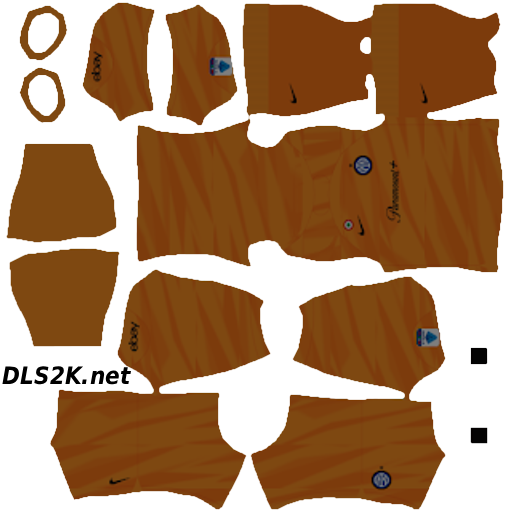
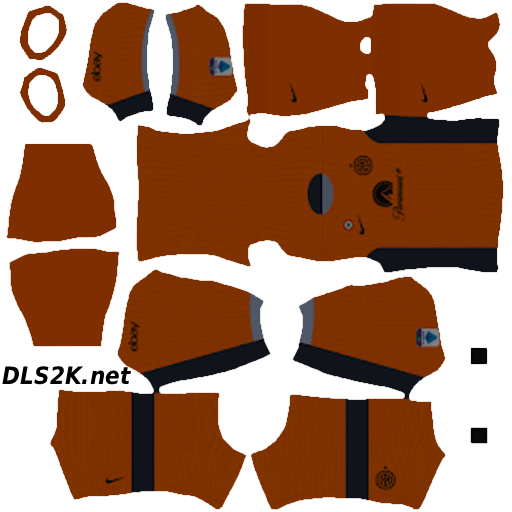
Inter de Milan Dream League Soccer Kit Features
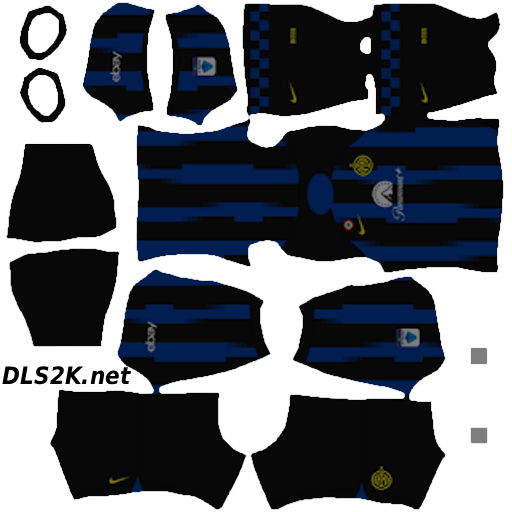
The Inter de Milan DLS kit is designed around the visual elements players expect from the Italian club’s football uniform. The combination of blue and black gives your team an instantly recognizable appearance, while the crest adds another important detail to the design.
The kit includes features such as:
- 512×512 resolution
- PNG format
- High-quality graphics
- Inter-inspired blue and black colors
- Team crest/logo
- Home kit design
- Away kit when available
- Third kit when available
- Goalkeeper kit when available
- Suitable for DLS team customization
- Easy URL copy-and-paste installation
- Free kit download
The 512×512 format is particularly useful for DLS players because it provides a clean image size for kit customization. The PNG format also makes the uniform straightforward to import using the game’s URL-based kit system.
Inter de Milan Home, Away and Goalkeeper Kits
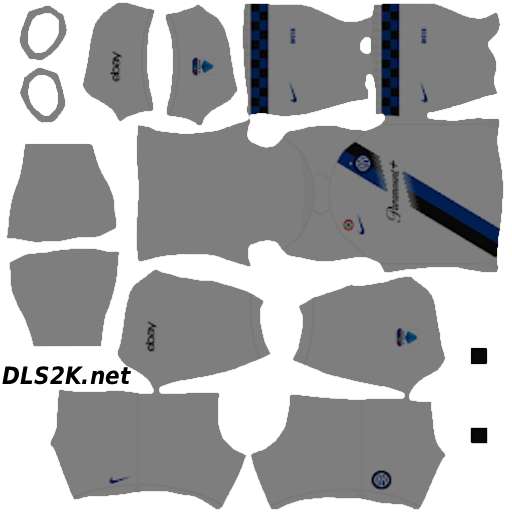
A complete set of uniforms makes it easier to keep your Dream League Soccer club looking consistent throughout different matches. The home kit gives your squad the classic Inter-inspired appearance, while the away and third designs provide alternatives when you want to change things up.
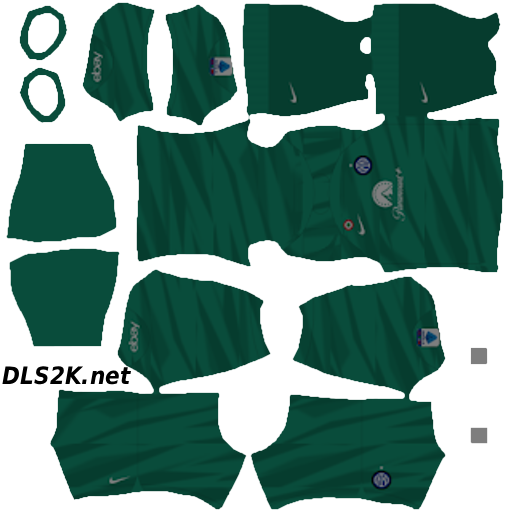
The goalkeeper kit adds another layer of detail when available. Instead of having a generic goalkeeper uniform alongside your outfield players, you can create a more complete Inter-themed setup.
The club crest is also an important part of the overall look. Combined with the blue-and-black color scheme, it helps turn a standard DLS team into something that feels much closer to the football club you want to represent.
How to Import the Inter de Milan Kit into Dream League Soccer
Importing a DLS football kit is quick once you have the correct URL.
- Open Dream League Soccer on your device.
- Go to My Club.
- Select Customize Team.
- Open Edit Kit.
- Select the option to download or import a kit.
- Paste the Inter de Milan kit URL into the relevant field.
- Confirm the import and save your new uniform.
The exact wording of some menu options can vary between versions of Dream League Soccer, but the process is essentially the same: access your team’s kit customization area and use the provided URL to import the PNG kit.
After the download finishes, check the kit in the customization screen to make sure it has loaded correctly before starting your next match.
Why Download This Dream League Soccer Kit?
Custom kits are one of the easiest ways to make a DLS team feel less generic. An Inter de Milan uniform gives your squad a recognizable football identity while keeping the customization process simple.
Some practical benefits include:
- More realistic team appearance
- Familiar blue-and-black visual identity
- Sharp 512×512 graphics
- Good image quality on HD screens
- Simple copy-and-paste installation
- No manual kit design required
- Free access
- Quick team customization
A properly prepared PNG kit also helps preserve small visual details, such as the crest and other elements of the uniform, without unnecessarily complicating the import process.
Download the Inter de Milan DLS Kit
If you want to represent Inter de Milan in Dream League Soccer, this kit is an easy way to update your team’s appearance. Download the kit, copy the URL, import it into DLS, and give your squad a fresh blue-and-black look.
Once your Inter de Milan uniform is ready, check out more Dream League Soccer kits and logos available on the website to continue customizing your team.